

A Better Home Energy Retrofit Starts With A Plan
Green Home Predictor turns home facts and energy audits into clear priorities and a plan for contractors.
Free demos · Sample home included · No account required
What should happen first?
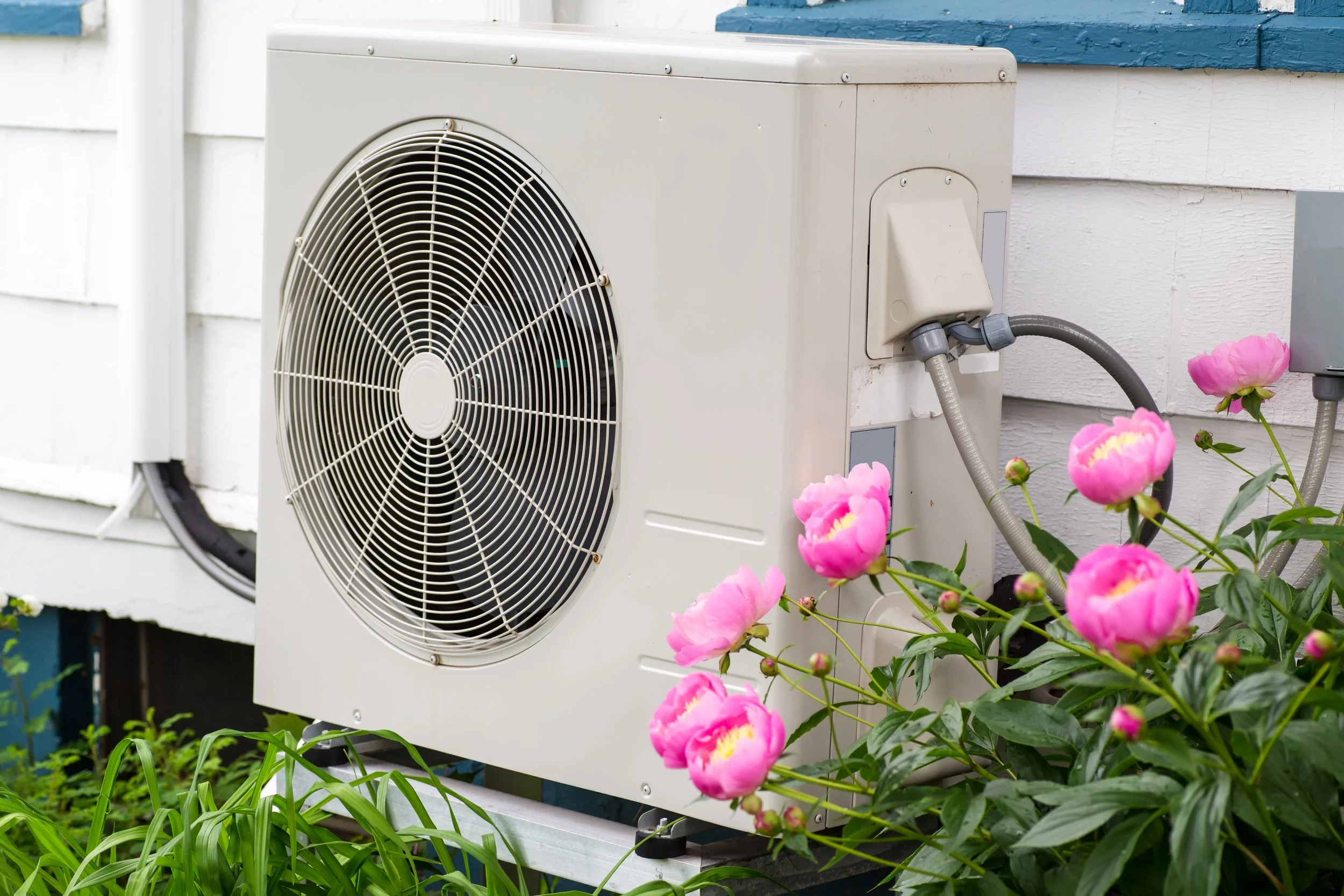
Air sealing, insulation, moisture, ventilation, and safety before a new heat pump.
What can wait?
Phase upgrades by budget, equipment life, and contractor availability.
What must be verified?
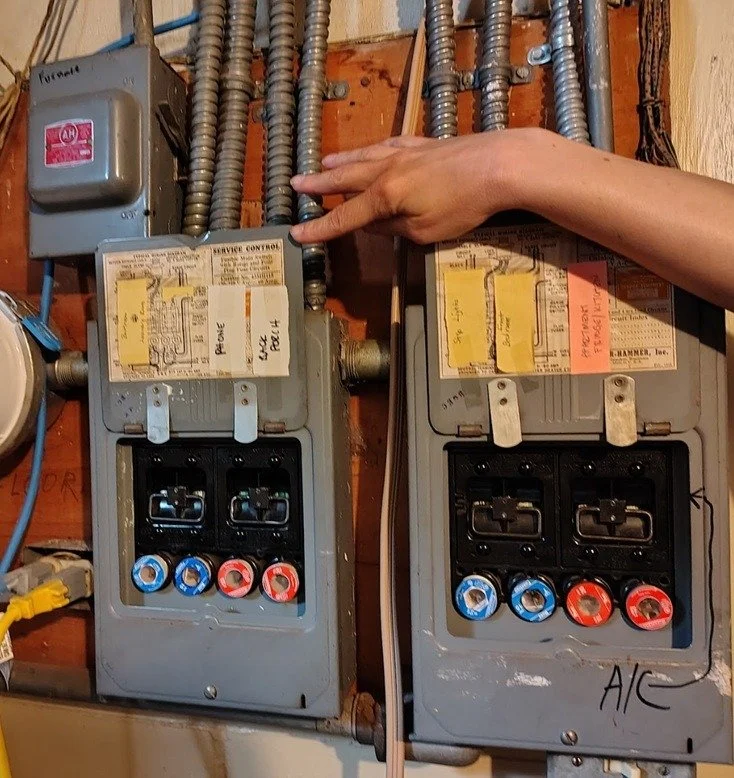
Electrical panel, ducts, air leakage, moisture, and envelope conditions.
How It Works
Turn the information you have into a plan you can review and act on.
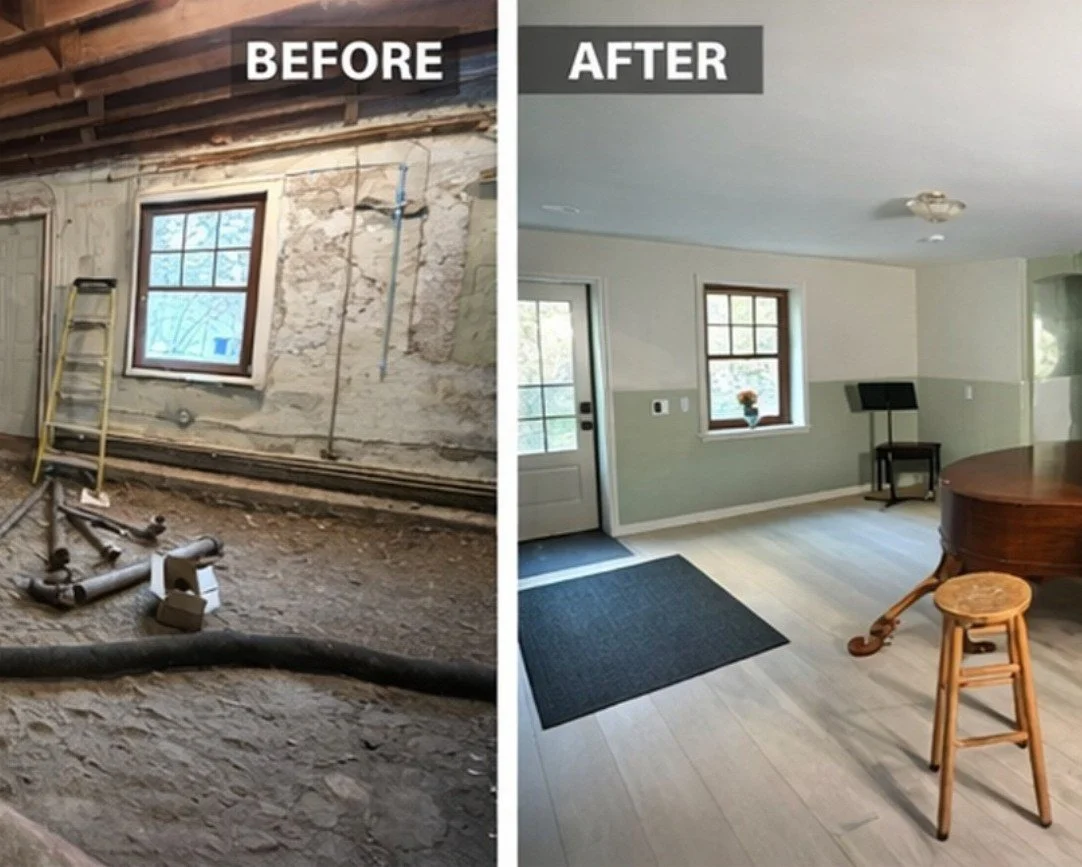
Review the Home Facts
Start with a Home Energy Score report or a guided walkthrough. Correct the details and flag what still needs verification.
Set Priorities
Put improvements in a sensible order guided by homeowner priorities.
Prepare the Handoff
Build a workscope to review with qualified professionals before pricing and installation.
Learn the 3-Step Retrofit Process →
Real Homes, Practical Next Steps
Published examples and early field testing.
BPA Journal · Finance & Commerce
Green Home Club in the News
John Horchner’s BPA Journal article explores how audits guide renovation decisions. Finance & Commerce profiles his home retrofit and the work of Green Home Club.
Read Both Articles →One-Home Field Test · Lansing, Michigan
From Assessment to Repair Scope
We tested GHP with a Home Energy Score report, inspection notes, and photos from Habitat for Humanity Capital Region.
Read the Habitat Field Test →“a straight-forward, organized process that was very useful towards developing a workscope.”
— Jason King, Habitat for Humanity Capital Region
Try It Now!
Collect Home Facts on Your Phone
Then open your walkthrough in Green Home Predictor to review priorities and plan your next steps.
Walk through a home one section at a time. Add notes and photos, record what you know, and flag what needs verification.
Open Mobile Facts Catcher →No app download or account required.
At a desk? Desktop Predictor →
Need a reference? GHP Field Guide →
A Green Home Club Investigation
THE BASEMENT FILES
State guidance tells homeowners it is usually not a good idea to insulate basements from the inside. Xcel Energy's insulation rebates exclude it. However, federal researchers ranked the upgrade first for statewide annual bill-savings potential in Minnesota’s single-family detached homes.
Read The Basement Files →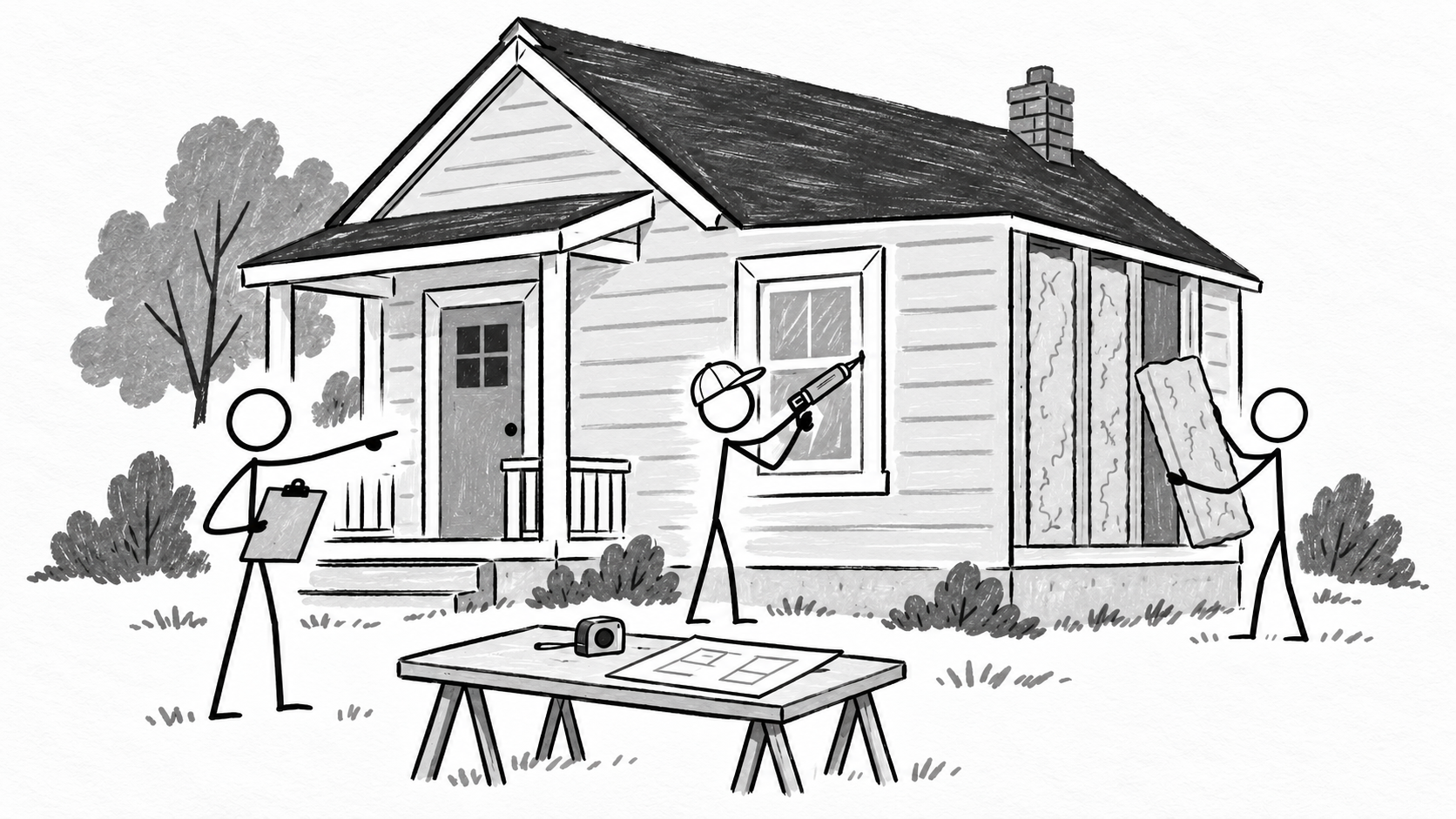
See all posts →